Is Your Hotspot Business Dying or Evolving?
Internet resellers across Uganda are hitting a wall. If you are seeing "Connected, No Internet" errors or extreme speed drops, you aren't alone. MTN Uganda has intensified its crackdown. The "cheap unlimited" era is over. To survive, you must stop acting like a "user" and start acting like an ISP. The solution? Multi-WAN Load Balancing.
Why MTN Fiber is Capping Your Hotspot? ISPs now use AI-driven tools to detect "Non-Standard" traffic. 200 different MAC addresses hitting one fiber line is a red flag. Standard SME routers cannot handle the thousands of concurrent NAT sessions generated by a hotspot.
The Technical Solution: Multi-ISP Load Balancing
Load balancing isn't just about speed; it’s about redundancy and reputation. If MTN goes down or throttles your line, your XenFi portal should automatically shift traffic to Airtel or a secondary provider without the user ever noticing.
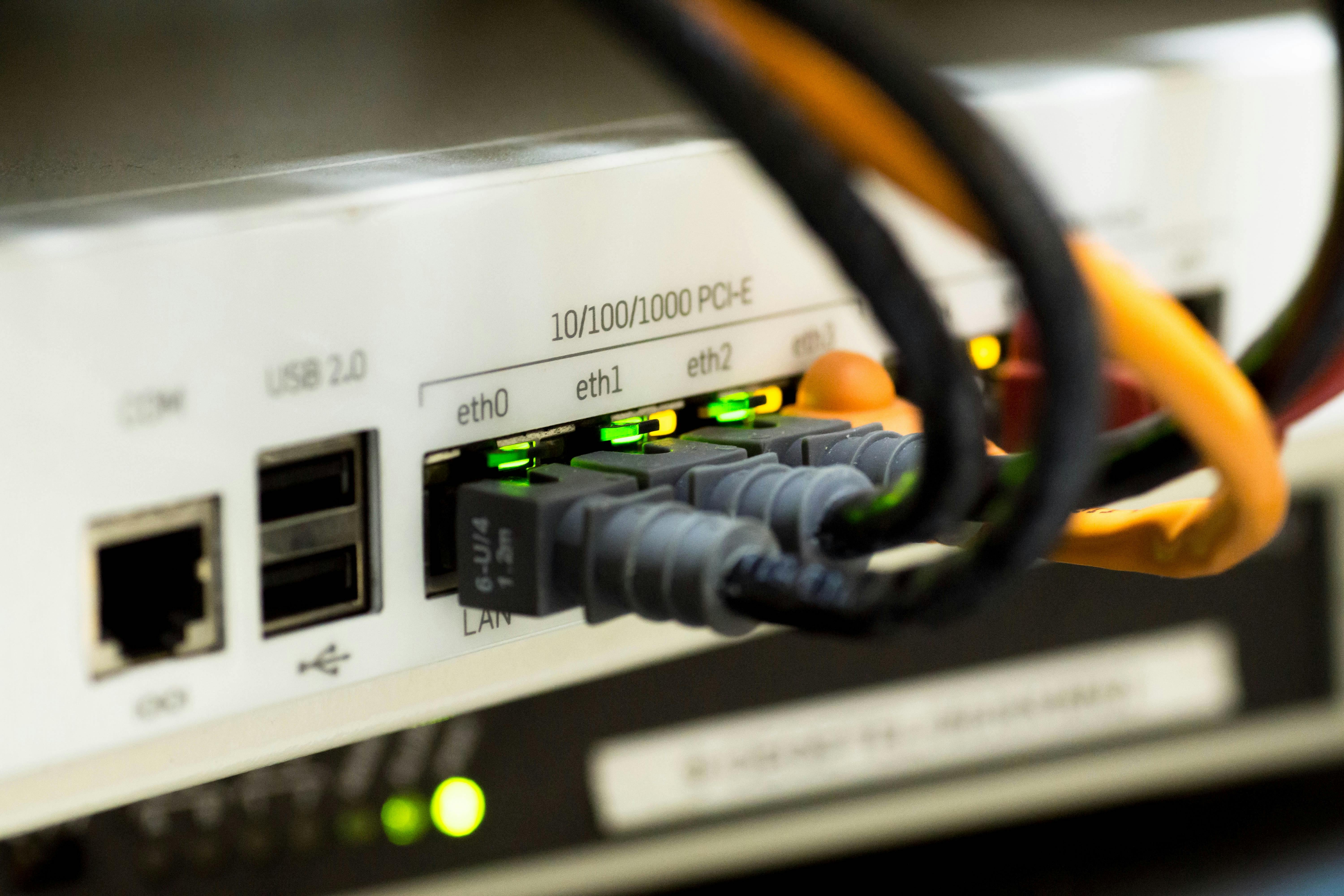
Non-Negotiables for a Reliable Hotspot
If you want to rank as a top-tier provider in your area, you must invest in the right gear.
1. The Brain: MikroTik (RouterOS)
Avoid generic Tenda or TP-Link routers for your core. They lack the "Mangle Rules" necessary for proper traffic marking.
Entry Level: MikroTik hEX (RB750Gr3) – Good for up to 50 users.
Pro Level: MikroTik RB4011 or 5009 – Essential for 100+ concurrent users.
2. The Method: PCC (Per Connection Classifier)
Do not use ECMP (it breaks banking apps). Do not use simple failover (it wastes paid bandwidth). PCC is the only production-ready method for Uganda. It "pins" a user’s session to one ISP, ensuring stability for WhatsApp calls and mobile banking while utilizing the total capacity of all your ISP lines.
For more about Load balancing make use of this article: https://help.mikrotik.com/docs/spaces/ROS/pages/4390920/Load+Balancing
3. The Manager: XenFi
XenFi sits at the heart of your revenue. While the MikroTik handles the "heavy lifting" of the packets, XenFi handles:
Voucher Management: Automated selling.
Bandwidth Hard-Caps: Ensuring one "heavy downloader" doesn't trigger an ISP throttle.
User Experience: A seamless login page that works even during ISP shifts.
Critical Mistakes That Kill Your Revenue
Mixing 5G with Fiber: 5G latency (ping) fluctuates wildly compared to Fiber. If you load balance them poorly, your users will experience "jitter" during gaming or Zoom calls.
Ignoring DNS: When load balancing, your DNS must be rock solid. We recommend forcing all traffic through Google (8.8.8.8) or Cloudflare (1.1.1.1) to prevent resolution loops.
Underpowering the Router: Load balancing is CPU-intensive. If your MikroTik CPU hits 100%, your latency will spike to 1000ms+, and users will disconnect.
MTN’s new limits are forcing a shift: move beyond single-connection setups and build a resilient, multi-ISP network your customers can rely on. By combining Load balancing with XenFi’s automation, you convert ISP instability into an operational advantage, deliver consistent uptime, and turn occasional users into dependable, long-term customers.
